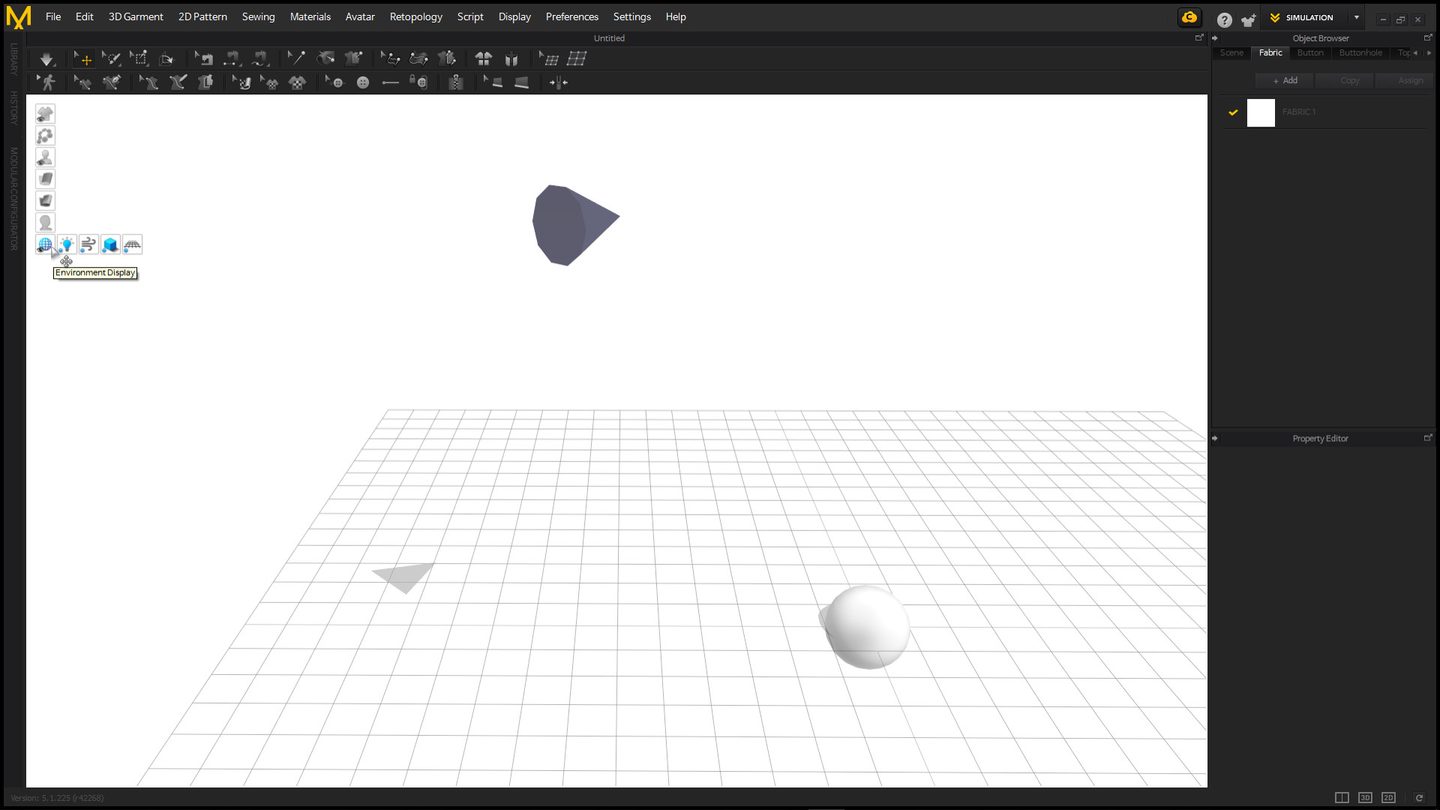
CLO Virtual Fashion released Marvelous Designer 2026.1 today, four months after 2026.0 landed in April with the Lacing Tool, the 3D Pencil and a dedicated Toon Shader. This point release is smaller, but it’s aimed squarely at people who costume characters for a living: a Seamline Ripping Tool, plus a Brush Pinching tool and a Pinching Simulation Override for shaping garments while the cloth sim is running rather than before it.
What the two tools do
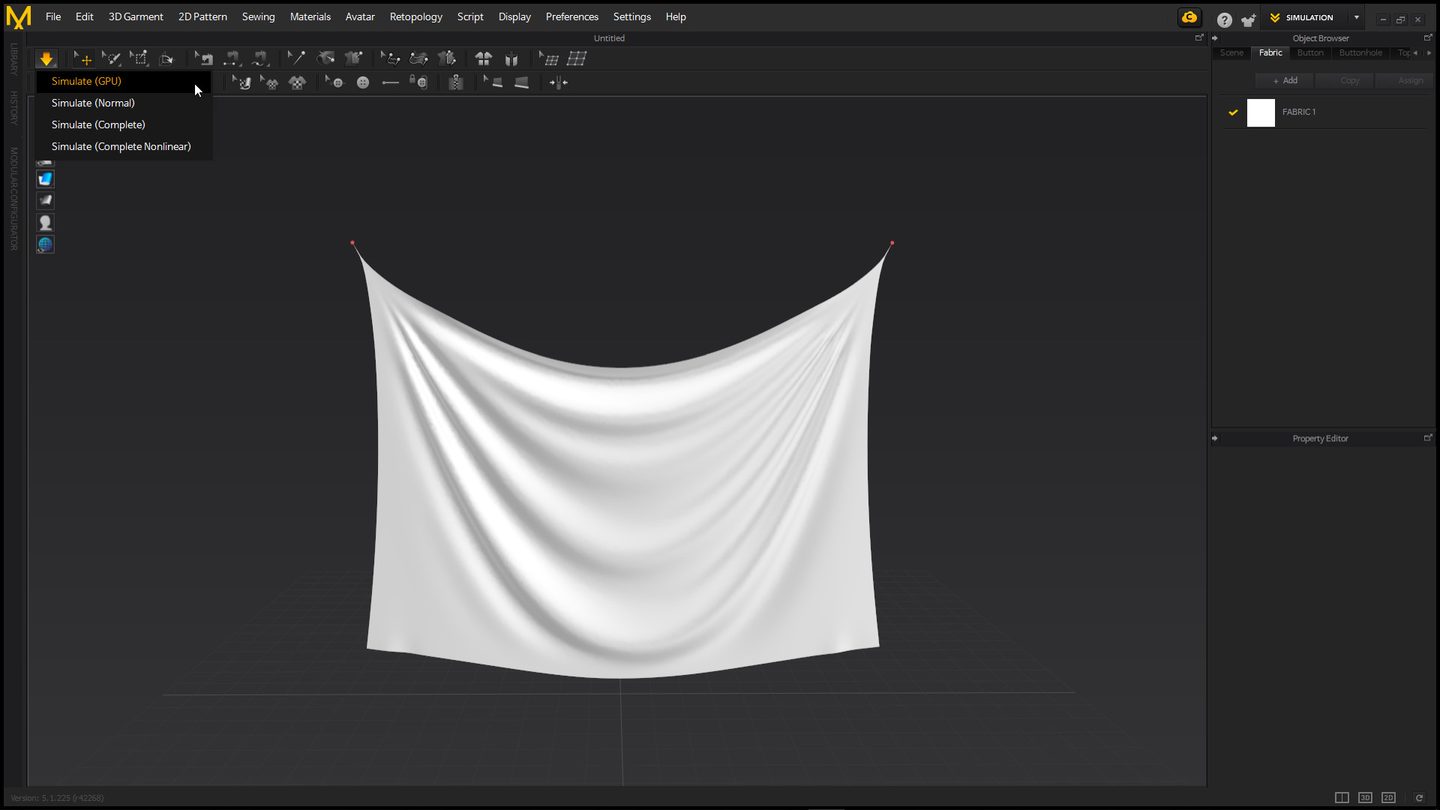
The Seamline Ripping Tool does what it says — you select a seam on a simulated garment and tear it, and the cloth reacts the way real fabric does when a seam gives out: the panels pull apart along the stitch line, not along an arbitrary cut. That’s the part worth sitting with. Marvelous Designer has let you cut and delete pattern pieces for years, but a straight cut doesn’t know it used to be a seam — it just leaves two clean edges. Ripping along the seamline keeps the stress pattern of an actual failure: puckering at the ends, uneven pull along the tear, panels that still hang like they’re attached to a garment instead of like they were sliced with a knife.
Brush Pinching and the Pinching Simulation Override are the other half of the same idea — grabbing and shaping fabric by hand while the simulation is live, instead of setting a pose, running the sim, and hoping the wrinkle lands where you wanted it. CLO doesn’t seem to be positioning these as related features, but for anyone doing damage or distress work they’re the same job: getting the cloth to hold a specific, deliberate flaw instead of a generic one.
Why this is a pipeline question, not a feature question
Worn and damaged costume is normally authored after the simulation, not during it. You sim the clean garment, export, and go break it in ZBrush or by hand-painting damage masks in Substance — which works, but it means the tear has to be faked at the texture and normal-map level on a mesh that’s already been UV’d and baked. Any change to how the garment drapes means redoing that damage pass, because the cloth sim that produced the silhouette never knew the garment was supposed to be torn.
Doing the rip inside the simulation instead changes what’s downstream of it:
- The torn geometry comes out of the sim already deformed correctly, not faked in a displacement map over a still-intact mesh.
- Re-simulating after a pattern change — a common ask on any character that goes through revisions — keeps the damage instead of silently erasing it, since the tear is part of the garment’s history now, not a texture layer bolted on afterward.
- It moves damage authorship earlier, into the costume department’s tool rather than a separate texturing pass, which is a real handoff change on a production with dedicated costume and texture teams, not just a new brush.
None of that shows up in a feature list, and CLO’s own framing — “rip, pinch and shape fabric like never before” — undersells it by making it sound like a sculpting convenience rather than a change in where damage lives in the pipeline.
What it doesn’t fix
The tear is still a simulation result, which means it inherits whatever’s wrong with your simulation settings. Bad particle distance, wrong fabric presets, or a garment that was never matched to a real fabric weight will produce a physically wrong-looking rip just as readily as a physically right one — the tool doesn’t know the difference. And it’s still Marvelous Designer output: you’ll want to check how the ripped edge holds up after retopology and export to your game engine or renderer of choice, since a seam that reads correctly in CLO’s own viewport isn’t guaranteed to survive a decimation pass untouched.
Where I’d use it
Hero costume damage — the jacket a character actually gets shot or stabbed through mid-cutscene — is the obvious fit, since that’s exactly the case where a texture-only tear reads as fake up close. I’d be more cautious reaching for it on background or crowd variants, where the per-garment simulation time probably isn’t worth it next to a cheaper damage-mask trick that was already good enough at a distance. Marvelous Designer 2026.1 is a free update for current 2026 license holders; CLO hasn’t published a separate changelog page for it yet beyond the release announcement, so check their support site before assuming a specific older version supports the new brushes.