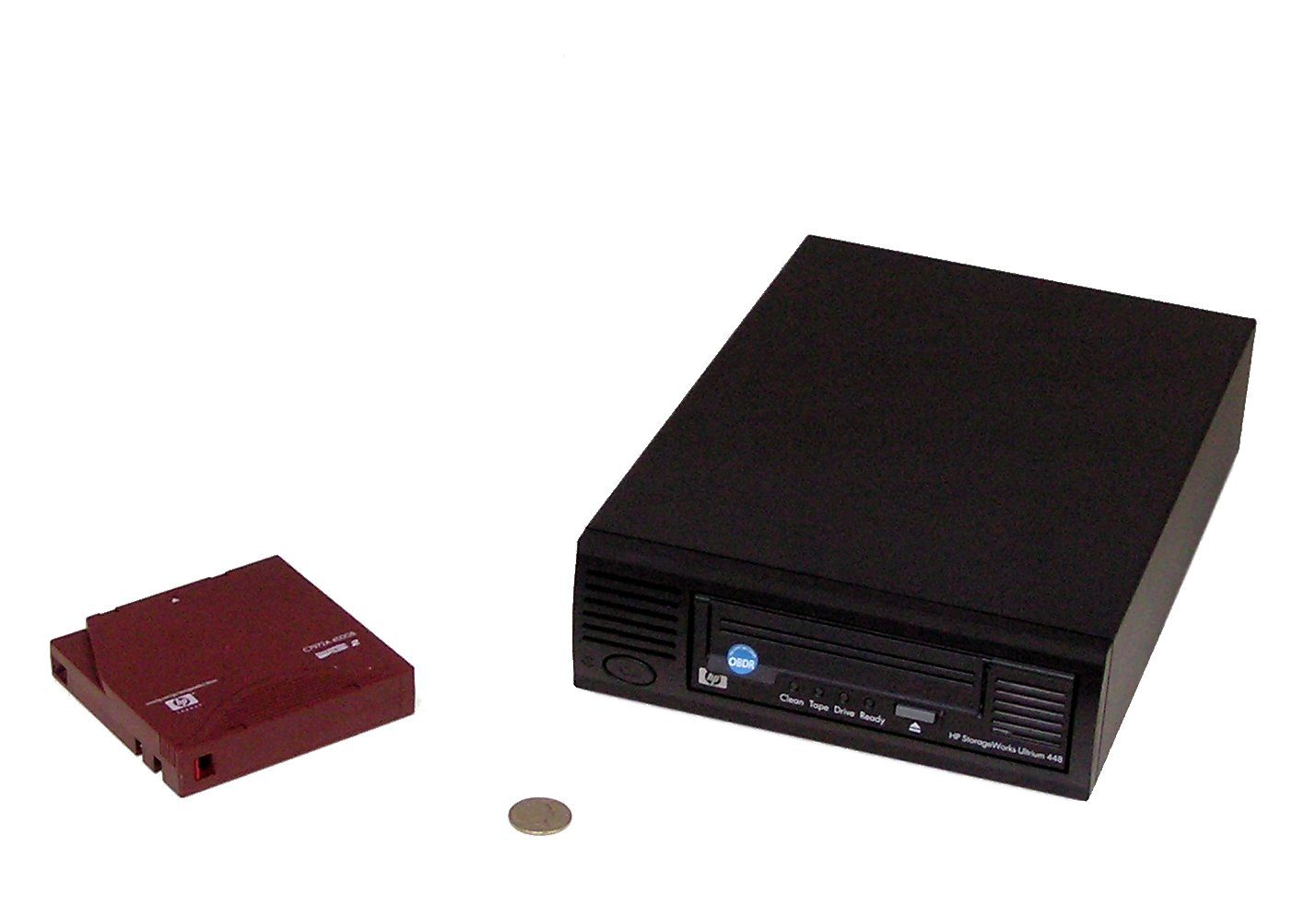
Somewhere in every studio that has been running more than a few years there is a shelf, or a cupboard, or a plastic crate under someone’s desk, with tapes in it. Show wrapped, project delivered, caches and source scans and the one version of the file that actually rendered — written to LTO and put away. Nobody thinks about that crate until the day a client asks for the source geometry from four years ago.
If those tapes are LTO-9 and the drive you replaced them with is LTO-10, you cannot read them. Not with a firmware update, not with a slower speed setting. The new drive does not see the old format at all.
Nine generations of a promise, quietly ended
The compatibility rule was one of the reasons anyone trusted tape in the first place. Buy the current drive, and it would read what you wrote on the last one — for the early generations, two back. It narrowed over time. LTO-8 drives handle LTO-8 and LTO-7 media. LTO-9 drives handle LTO-9 and LTO-8. Each step traded a little reach for density, and each step still gave you a bridge.
LTO-10 drives read and write LTO-10 media, and nothing else. No LTO-9. No LTO-8. The bridge is gone.
The reason is physical rather than commercial, which is worth saying because the first assumption in every forum thread was that somebody wanted to sell more cartridges. LTO-10 changed the servo format. Servo bands are the pre-written stripes on the tape that tell the head where it is — the tape is moving fast and the tracks are extremely narrow, so the drive is constantly correcting its position against those stripes. LTO-10 writes them at a different angle, 36 degrees, to get finer positioning resolution and less settling delay out of the head assembly. A head that expects one geometry cannot track the other. That is not a policy you can waive.
What that costs a small shop
Media is not the fragile part of a tape archive. A cartridge stored properly is rated for something like thirty years, and the failure mode people actually hit is much dumber: the drive dies, the model is discontinued, and the working second-hand units are on auction sites at prices that make no sense.
A tape you cannot mount is a tape you do not have.
So the compatibility break turns into a maintenance obligation. Every generation still sitting on your shelf needs a working drive that can read it, kept alive, for as long as you intend to be able to open those files. Two generations on the shelf means two drives. That was always true in a soft way — it is now true with no grace period at all.
The alternative is migrating, and migration is where the numbers get uncomfortable. Say you have a modest fifty LTO-9 cartridges. That is 900TB of native data. Reading it at LTO-9’s rated 400MB/s, with no stops, no verification pass, no shoeshining while the drive waits for the source to keep up, is about 625 hours of streaming. Twenty-six days. Both drives occupied the whole time, and you would want to verify afterwards, which is another pass.
It lands on about 23 of the new 40TB cartridges, if you get the full native capacity, which brings us to the other thing worth being careful about.
The compressed number is not your number
LTO-10 arrived in May 2025 at 30TB native per cartridge. In November the LTO Program announced a 40TB native cartridge for the same drives, reaching that capacity partly through a new ribbon substrate — an aramid film, thinner and smoother than the polyethylene naphthalate used before it. Thinner film, more length in the same shell. The marketing figure that came with it was 100TB compressed, at an assumed 2.5:1 ratio.
That ratio is the same one behind LTO-9’s 45TB-from-18TB and every other compressed figure on the roadmap. It is a reasonable average across mixed business data — documents, databases, logs, the things that squash.
It is not what a 3D or video archive looks like. EXRs are already compressed. Textures are already compressed. Camera source is already compressed, and usually harder than anything the drive is going to manage on the fly. Point a tape drive at a directory of finished renders and the hardware compression engine will do its job and return you very nearly what you gave it. Plan your shelf on native capacity — 40TB is 40TB — and treat anything above that as a pleasant surprise on the odd tape that happens to be full of Alembic and JSON.
Everyone is buying tape again
The demand picture behind all this is strange and worth a paragraph. Total LTO capacity shipped hit a record 176.5 exabytes in 2024, up 15.4% on the year before. 2025 came back down to 160.3 exabytes, about 9% off the peak, still ahead of every year before 2024. Then Q1 2026 jumped 57% year over year, on continuing LTO-9 sales and the first LTO-10 volume.
The driver everyone names is AI — training corpora, model checkpoints, generated output that somebody has decided must be retained. Tape is where cold data goes when you have enormous amounts of it and no intention of reading most of it again, and it uses a fraction of the power of keeping the same bytes spinning.
The consortium also revised its roadmap in the same November announcement, and revised it downward. Later generations lost headline capacity — LTO-14 came down from a projected 1.44PB compressed to 0.9PB. The stated reasoning is alignment with what customers actually need, prioritising reliability and cost per terabyte over density records. Read it however you like. A roadmap that promises less and delivers is more useful than one that keeps slipping, and the 40TB bump landing early suggests they would rather make the near-term numbers real.
None of which helps the crate under the desk. If you take one practical thing from this: write the generation on the box, in marker, on the outside. Then work out whether the drive that reads it still turns on.
Sources
- LTO Program: 40TB LTO-10 cartridge specifications and refreshed roadmap
- LTO generation compatibility details
- Blocks & Files: LTO-10 bumped to 40TB as future tape capacities get cut
- Blocks & Files: why LTO-10 fell short on speed and backward compatibility
- Tom’s Hardware: tape capacity shipped in Q1 2026 rose 57% year over year