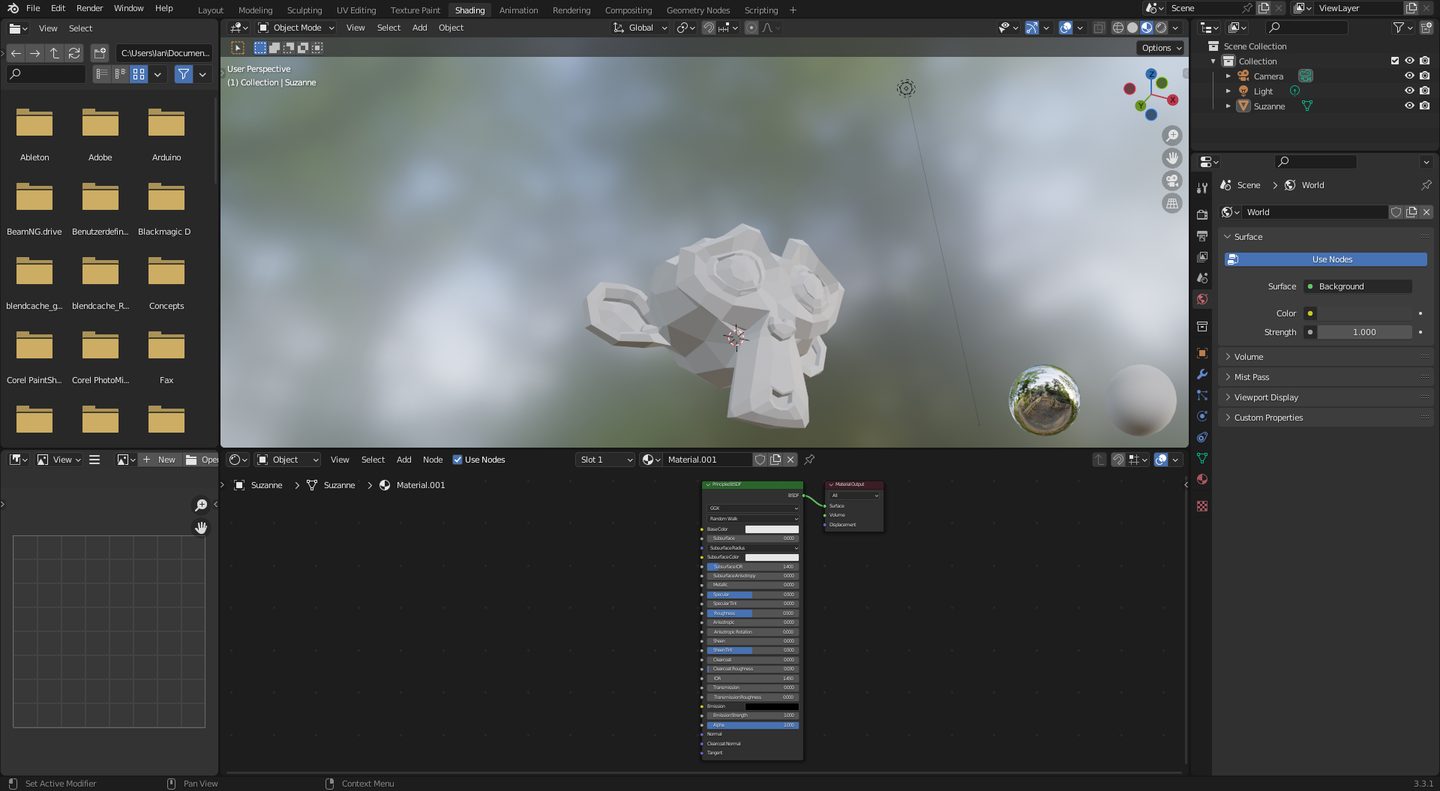
Blender has been able to hand a texture off to another application for years. Quick Edit does exactly what the name says: it writes a PNG of your current viewport, opens it in whatever you’ve set as your external image editor, waits while you paint, and projects the result back onto the mesh through the same camera when you hit Apply.
It works. I’ve shipped things with it. The friction is that every trip is a file, and that the file you get is the beauty pass and nothing else.
PaintBridge, a commercial add-on that turned up this week, goes after both. Blender and Krita hold a WebSocket open between them and the pixels move in memory rather than through disk, with only the changed region sent. And the capture isn’t one image — it’s a stack.
The stack is the interesting part
Base colour. Normals. Depth. Ambient occlusion. Shading. Colour ID. Vertex colour. Object mask. Wireframe. Those go across as layers, at whatever resolution you set between 512 and 8K, and you can drive the Blender camera from inside Krita to get the angle you want without switching windows.
Anyone who has worked in Mari or Substance Painter will recognise what that is. It’s AOV thinking — the compositor’s habit of keeping a scene decomposed into the passes that describe it — applied to a paint session.
Once those layers are sitting under your brush, a lot of tedious masking stops being masking:
- Colour ID means you select a material with a wand instead of tracing its boundary. Paint rust on the metal, none of it lands on the leather.
- Depth is a free falloff. Grime that accumulates in recesses, dust that settles on what faces up, edge wear that thins as a surface recedes — all of it is a curve applied to a gradient you already have.
- The object mask keeps your stroke off the thing behind the thing you meant.
- Wireframe tells you, before you commit two hours, where the topology is going to fight you. A gorgeous painted detail that lands on a triangle fan will look gorgeous exactly until the mesh deforms.
Normals are the one I’d reach for most. With a normal pass in the stack you can tell, in 2D, which way a surface is pointing, and painted detail can be made to sit with the form instead of on top of it. That is most of the difference between hand-painted work that reads as a texture and hand-painted work that reads as a surface.
Why Krita and not the obvious alternative
Brush engine. That’s the whole answer.
Blender’s texture paint brushes are serviceable and have got better, and if you are blocking in an albedo they are fine. Krita’s brush engine is the reason people use Krita — the pressure curves, the mixing, the smudge and bristle behaviours, the wet-media brushes that people build entire stylised looks on. It is the thing Blender is never going to catch up on, because Blender is not trying to.
The version of this that has always existed — export, paint, import — kept those brushes available but made the loop cost enough that you’d batch your work into big trips. Five minutes of painting, save, tab, apply, look, find the problem, go back. You stop iterating and start committing, and the results look like it.
What it doesn’t fix
Projection painting is still projection painting. Anything close to perpendicular to the camera takes the paint cleanly and anything grazing it stretches, so a closed form still needs several angles and the seams still land where two projections disagree. UV stretch still shows up as stretch. A face hidden from camera gets nothing.
A faster loop makes those problems cheaper to notice and cheaper to fix, which is a real gain and the one worth paying for. The geometry of the thing has not moved.
There’s also a plainer caveat: this is a third-party add-on on Gumroad, from a developer maintaining a live link between two applications that both ship breaking changes. Two moving targets, one bridge. Blender’s own external-editor workflow is ugly and it will still be there in four years.
The pattern underneath
Every few months something arrives that takes a facility from a hundred-thousand-euro pipeline and drops it into a free one. Gaussian splat relighting in Nuke, ML retopology in Blender, and now a compositing-grade pass stack under a 2D paintbrush.
The habits usually arrive later than the tools. Painting with an ID pass and a depth pass to hand is a different way of working from painting on a flat capture, and the people who get the most out of this will be the ones who stop treating the extra layers as reference and start treating them as masks.
PaintBridge Krita is sold through the developer’s Gumroad page; the feature list above is from the product’s own description. Blender’s built-in Quick Edit and Project Paint remain the free route and need no add-on.