Ask a 2D animator what they do when a line goes wrong and they will tell you they turn the paper. Forty-five degrees, sometimes all the way over, because a wrist draws one confident arc and one only, and an arm that reads as broken at one angle reads as fine at another. Every application built for that crowd has had canvas rotation for twenty years.
Blender gave Grease Pencil a 3D viewport instead, with orbit, pan and zoom — the controls of a camera operator. Step inside a camera view, which is where most finished 2D work in Blender ends up, and you were locked square to the frame.
The 5.3 release notes end that. The view can be rolled while you are inside a camera, there is a new operator to reset the roll, and the view can be flipped as well. Blender’s own developer documentation lists those as three separate changes — PR#157869 for the roll, PR#162225 for the reset, PR#161274 for the flip — which tells you they were three separate problems rather than one feature somebody shipped whole.
5.3 is in beta. The beta window runs to 4 November 2026 with the release expected on 10 November, so the notes are a working document and anything below can still move before the final build.
Mirroring is a diagnostic
The flip earns its place as a working tool rather than a comfort. Illustrators mirror a canvas to audit their own drawing: errors in proportion and balance that the eye has quietly stopped registering become obvious the moment the image reads the other way round. Traditional animators did it by holding the sheet up to a light box from behind.
Doing that in Blender meant mirroring the object, or the camera, or setting up a flipped render in a second window — changing the scene in order to check the drawing. A view flip changes only what you are looking at.
Draw Mode borrows the selection tools
The headline going round is that 5.3 ends mode-switching in Grease Pencil. The release notes are more modest, and the gap is worth knowing before you plan a workflow around it.
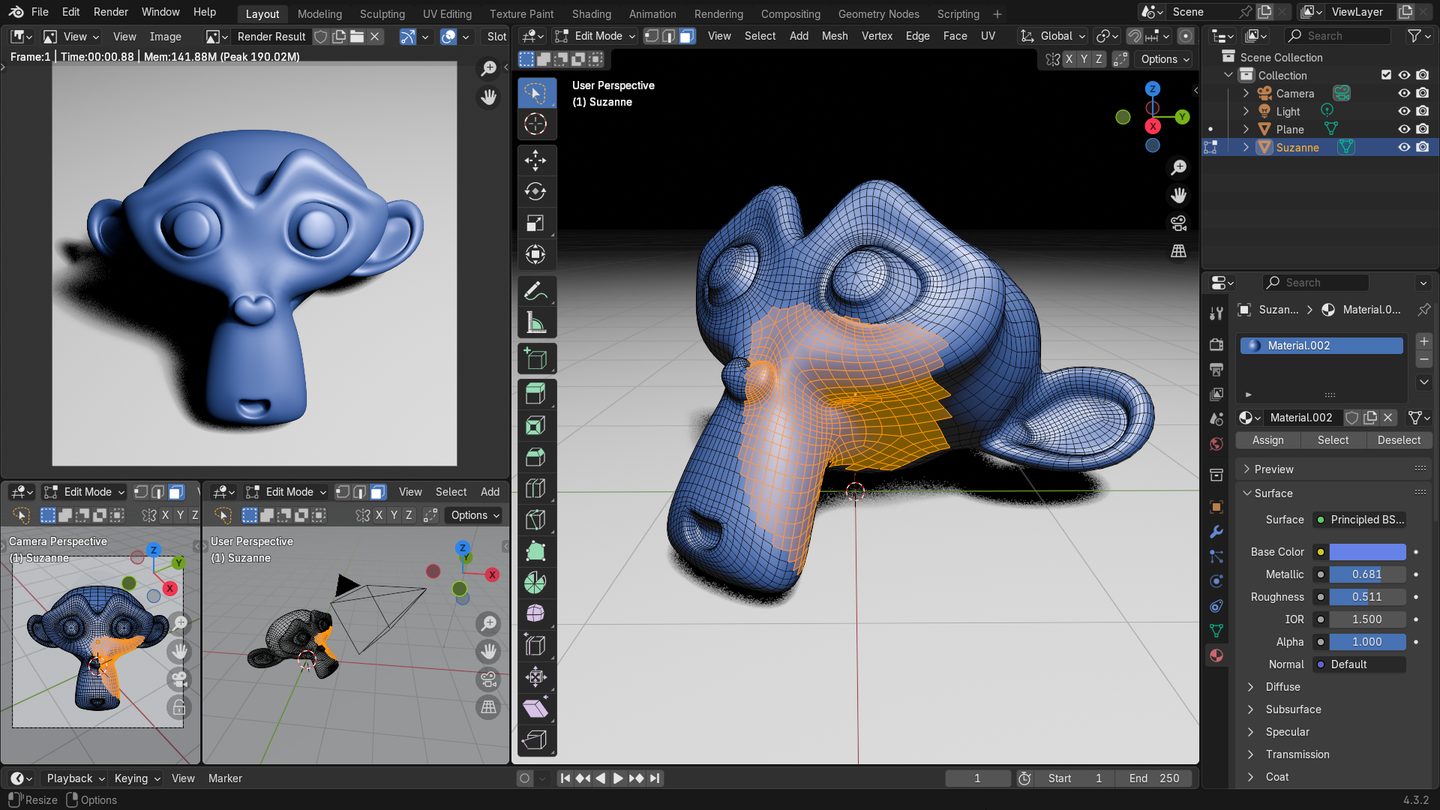
Draw Mode gains the lasso, box, circle and pick selection tools, a new Stroke menu carrying copy, paste and delete, and the transform operators — move, rotate, scale. Selection there works on whole strokes only. So you can draw a line, grab it, move it, scale it and carry on drawing without leaving the mode, which covers a great deal of ordinary work. Pull a single point of a curve or adjust one vertex and you are in Edit Mode, where you always were.
The Draw tool can also use Unified Paint Settings now, exposed for radius, strength and colour, with toggles in the context menu and the side panel. Small. Also the kind of small that shows up fifty times a day, when a brush size you set once stops resetting itself as you hop between tools. Over in Edit Mode the Pen Tool got better selection and the ability to ignore the selection when extruding with Alt held, which reads like a bug report somebody finally picked up.
Why the modes were split to begin with
Blender’s modes are not an accident of careless UI. Grease Pencil inherited them from an application built around meshes, and Edit Mode exists because a mesh has components — vertices, edges, faces — each needing its own selection state, its own transform behaviour and its own set of tools. Keeping all of that live while sculpt and paint brushes are also loaded is how you end up with a tool stack that cannot tell what you meant. A mode is a way of saying only one kind of thing is selectable right now.
A drawing application has no equivalent problem. One canvas, one layer stack, one cursor. Grease Pencil sits between the two models, which is why it has spent years feeling like a 2D tool wearing a 3D application’s clothes. This blog looked at the far end of that when it covered how Spider-Verse’s ink lines were rebuilt with Grease Pencil and geometry nodes: strokes treated as geometry and driven procedurally, which no drawing package can do, and the reason the 3D scaffolding is worth tolerating.
Rolling the view runs the other way — pulling an illustrator’s gesture into the 3D application instead of pushing drawings out into geometry. Both directions have to keep happening for the tool to suit the people it is aimed at.
There is a pattern in this release, too. 5.3 has been a cycle of taking what artists bolted on themselves and making it native: the same version moved LoopTools into C++ as a built-in after years as a Python add-on. Canvas roll existed as an add-on as well. Shipping it in the box means it survives the next version, which an add-on does not reliably do.
One thing to test, which the notes do not address: rolling the view inside a camera is a view transform, so anything parented or constrained to that camera will not come with it. If your 2D setup leans on camera space — a vignette plane, a parallax rig, screen-space modifiers — check them with the view rolled before you build the habit. I have not run the beta, so treat that as a question to put to it rather than a reported fault.